The AI answers around the clock. Office hours tell it when your team is around, so customers who need a person know when to expect a reply.
- 1
Open Office hours
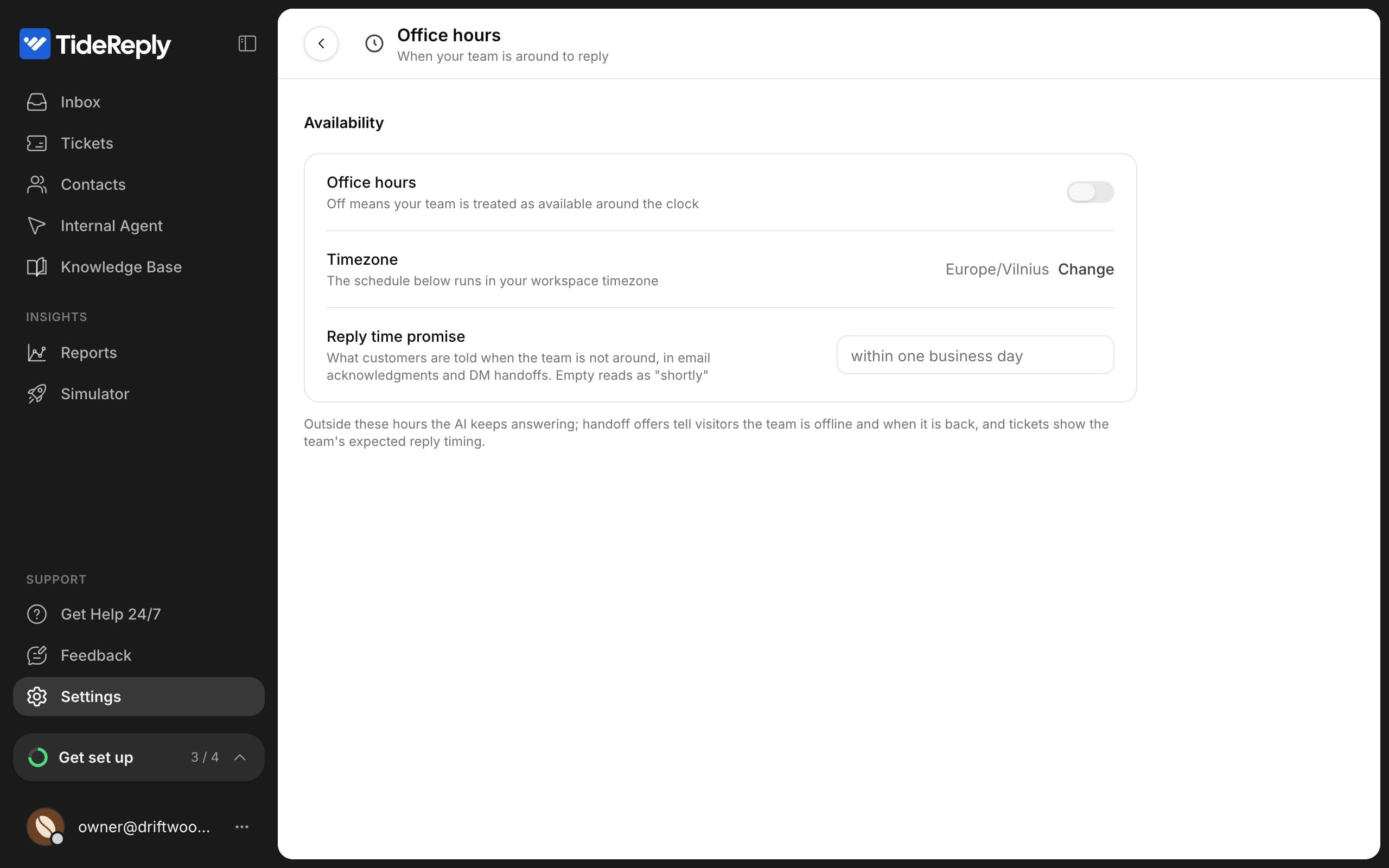
Go to Settings > Office hours and turn Office hours on.
- 2
Set your week
Under Weekly schedule, switch on the days you work and set the opening and closing times. New days start at 9:00-18:00. A closing time earlier than the opening time runs past midnight (for example 18:00-02:00).
- 3
Check your timezone
Hours use your business timezone. To change it, click Change next to the timezone, or go to Settings > General.
- 4
Promise a reply time
Fill in Reply time promise, for example "within one business day". TideReply uses it when it tells customers when to expect your reply. Left empty, it says "shortly".
What changes outside office hours
- The AI keeps answering as usual.
- When a customer needs a person, they're told your team is offline and when it's back.
- Ticket reminders wait until you open.
- The daily email summary arrives when you open.
With office hours off, your team is treated as available around the clock.