Prices change, a courier is late, you're closed for a holiday. Instead of editing your website, tell the Internal Agent in plain words. It drafts a business note, you approve it, and the AI uses it from then on.
- 1
Open the Internal Agent
Click Internal Agent in the left menu.
- 2
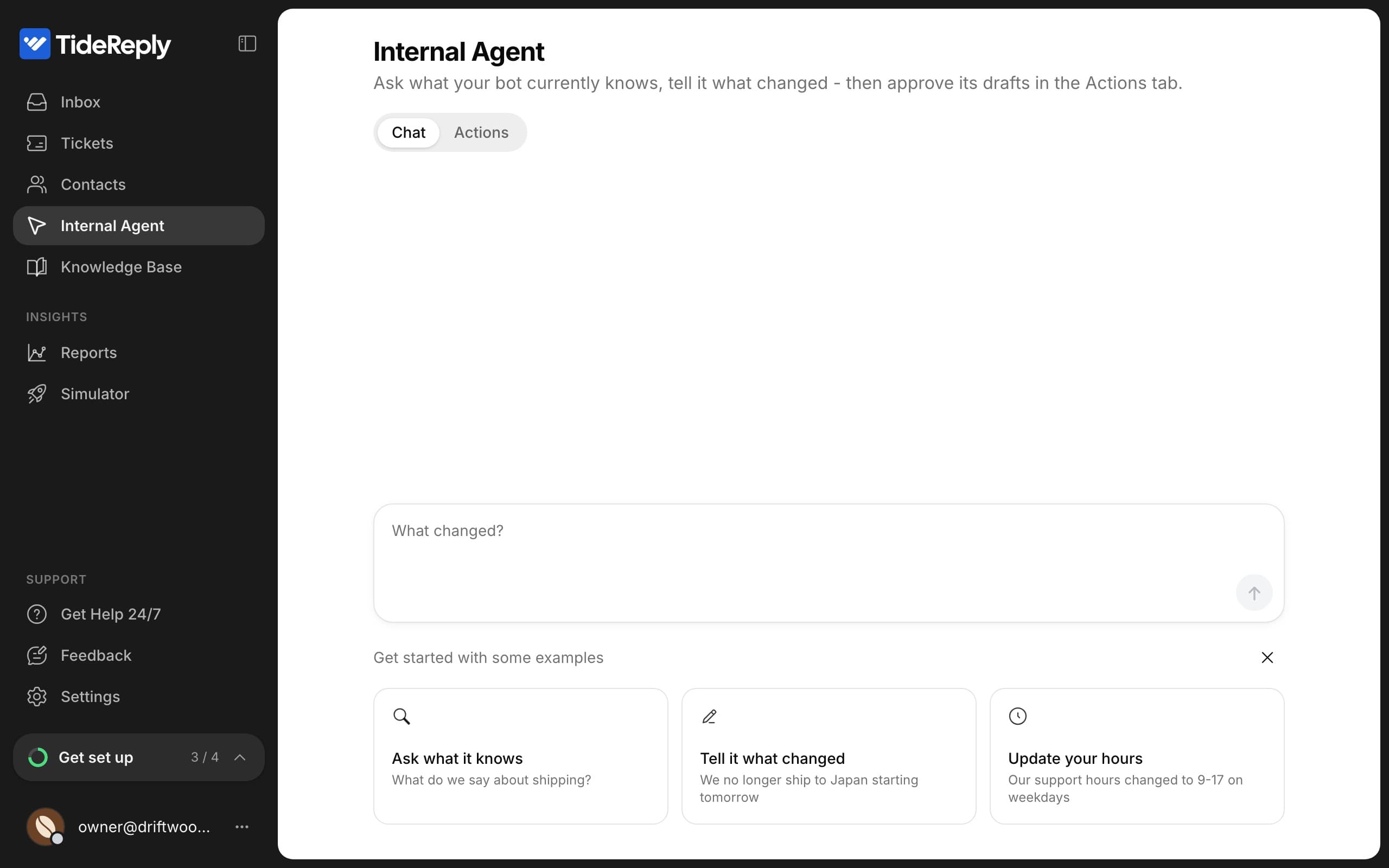
Tell it what changed
Write it the way you'd tell a colleague, for example "We no longer ship to Japan starting tomorrow". You can also ask what the AI currently knows about something.
- 3
Approve the draft
The agent drafts a note and shows it in Actions. Check it, then click Confirm. Click Edit to change the wording first, or Reject to drop it.
Once confirmed, the note is live.
How notes work
- Notes win. If a note and your website disagree, the AI follows the note.
- Notes survive re-syncs. Re-reading your website never removes them.
- Notes can have dates. Set Effective from and Effective until for things like holiday hours. Dates use your business timezone, and the end date is included. Notes with a future start show as scheduled until then.
- Customers don't see the note itself, only the answers it shapes.
Manage your notes
Go to Knowledge Base > Business notes to see every note and whether it's active, scheduled or expired. You can edit active notes and archive notes you no longer need. An archived note stops being used immediately.
To change a note, you can also just tell the Internal Agent what's different now. It drafts an update for you to confirm.
Suggestions from your team
The Internal Agent also suggests notes on its own, from answers your team gave customers in the Inbox. See Approve answers your team already gave.